

Casino Days Login
How to log in to Casino Days from Canada: step by step, what to do when the login fails, common problems, and answers to the questions players ask most.
Welcome Package: 100% up to C$2,000 + 100 free spinsWelcome: 100% up to C$2,000 + 100 FS

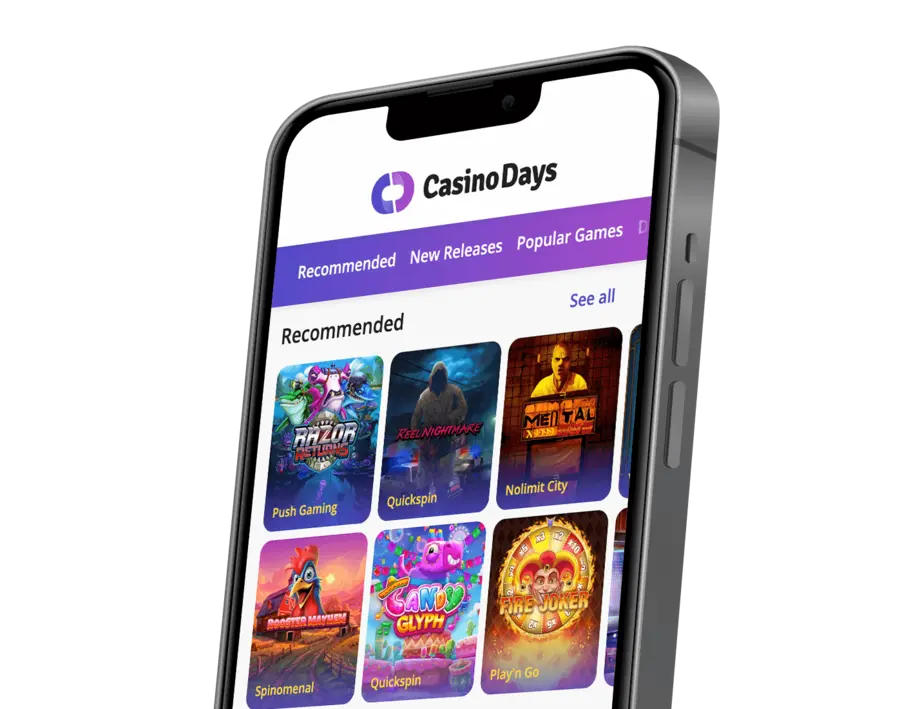
Casino Days login step by step
To log in to Casino Days, open the site or the iOS app, press Log in, enter the email and password you registered with, and confirm. Forgot the password? Use the reset option on the login form. Ontario and Alberta players sign in on their local version of the site.
Signing in to Casino Days takes about a minute once your account exists. The details that trip people up are small: using the wrong email, a stale browser tab, or the wrong regional version of the site. Work through the steps below in order, and keep the email address you used at sign-up close at hand, because the whole process depends on it.
Login screenshots
A walk through the sign-in screens, from the Log in button to the lobby, so you can compare each step with what you see on your own screen.
- 1
Open the right version
Casino Days runs separate versions for Ontario and for the rest of Canada. Use the address you normally play from, ideally a saved bookmark.
- 2
Press Log in
The button sits in the top bar of the page. On a phone it may be inside the menu, so open the menu first if you do not see it.
- 3
Enter your email and password
Type the email you registered with and your password. Use the show-password option if your phone keyboard keeps changing letters.
- 4
Submit the form
Press the confirm button once and wait a few seconds. Repeated taps can send the form twice and slow things down.
- 5
Finish any extra check
If the site asks you to confirm something, such as a code or a verification step, complete it before moving on.
- 6
Check the lobby
Once you are in, look at your balance and the account menu to make sure you are in the account you meant to open.
Sign in only on a device you control, and avoid saving the password on a shared computer. If you play on a phone, the Casino Days iOS app keeps sign-in quick; see the Casino Days Mobile App page for details.
Ontario, Alberta and the rest of Canada
Casino Days is not one single site for every Canadian. Ontario is a regulated market overseen by the AGCO and iGaming Ontario, and Alberta joined the regulated list on 13 July 2026. Players elsewhere in the country use the Kahnawake-licensed version. Each version has its own game lineup and its own wording, so a login that works on one side will not carry over to another province.
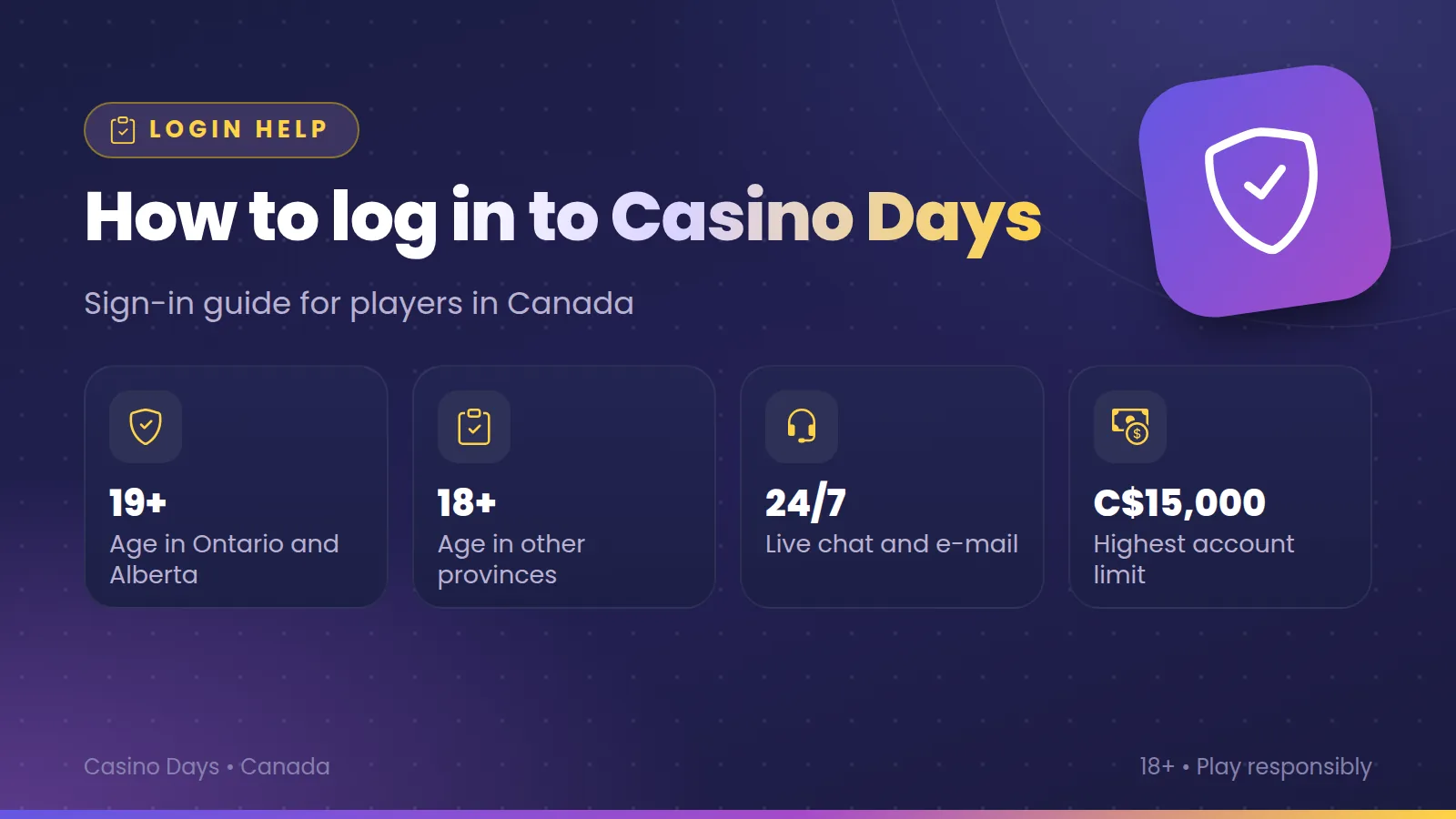
The practical effect is simple. If you moved provinces, travelled, or switched from a bookmark to a search result, you may land on a different version than you expected. Check the address first, then try the login again. Your account belongs to the version you registered on, so use that one.
- Minimum age in Ontario and Alberta19+
- Minimum age elsewhere in Canada18+
- Support channelsLive chat and e-mail
- Support hours24/7
- Support languageEnglish, French on CA site
- Welcome offer minimum depositC$20
Support covers all of these versions around the clock, so if you are unsure which one is yours, ask the live chat before you try to register a second account. Opening duplicate accounts is a common cause of locked profiles and delayed withdrawals.
Once you are signed in, the lobby opens with games from many different studios, covering slots, live tables and more. A few of the names you will see in the Casino Days catalogue are shown below.
- Pragmatic Play
- Play'n GO
- Evolution
- Red Tiger
- Relax
- Games Global
- NetEnt
- Nolimit City
- Hacksaw
- Push Gaming
- Big Time Gaming
- Playson
What to do if the login does not work
A failed sign-in is rarely a sign that something is wrong with your account. In most cases the cause is a typo, an old saved password, or a browser that holds on to outdated data. Go through the fixes below from the quickest to the most involved, and stop as soon as one works.
Reset your password
Use the password reset option on the login form. Enter your registered email, follow the message that arrives, and choose a new password you have not used elsewhere.
Check your email address
If you have more than one inbox, try each of them. Players often register with one address and later assume it was another.
Clear cache and cookies
Old page data can break a form. Clear the browser cache for the site, close the tab, and open the site again in a fresh window.
Try another browser or device
Switch from your phone to a laptop, or the other way round. If one works and the other does not, the problem is on the device.
Turn off extensions
Ad blockers and privacy tools sometimes interfere with sign-in forms. Pause them for the site and try once more.
Contact live chat
If nothing helps, open the live chat from the site. Support works 24/7, and an agent can see whether your account is limited or paused.
Have your registered email and the approximate date of sign-up ready before you contact support. It speeds up the check, and you will not be asked to repeat yourself. Do not share your password with anyone, including support staff, because a genuine agent never needs it.
Several wrong attempts in a row can pause sign-in for a short time. Wait a few minutes, then use the password reset option instead of guessing again.
Common login problems
| Problem | Likely cause | Quick fix |
|---|---|---|
| Wrong password | Old password | Reset it |
| Email not found | Different address | Try others |
| No reset email | Spam folder | Check junk |
| Page not loading | Old cache | Clear cache |
| Account paused | Time-out active | Wait or ask |
| Wrong version | Other province | Use local site |
| Deposit fails | Bank blocks card | Try Interac |
Most of these are solved in a minute or two. A wrong password is often a typo or a saved password that is out of date. A page that will not load usually points to old cached data. The account paused row deserves a closer look, because it is the one players often misread as a technical fault.
If you set a time-out for yourself, the account stays closed to you until it ends. Casino Days offers time-outs of 24, 48 or 72 hours, one week, or one, two or five months. Self-exclusion is a longer step, with terms of six months, one year or five years on the Ontario page, and on the CA page you arrange the term with support. During either, a normal login will not bring the account back, and that is by design. Contact support only if you believe the pause is a mistake.
A second frequent issue shows up right after the login, when a deposit is declined. In Canada a credit card deposit counts as a cash advance with many banks, and some issuers simply refuse it. Interac e-Transfer is the usual alternative, with a minimum of C$10. Our Casino Days Deposit Declined page covers the other causes in detail.
- Pay with Interac e-Transfer or another method that is listed in the cashier.
- Check that the name on the payment method matches the name on your account.
- Make sure you stay within the per-method limit shown in the cashier after you sign in.
- If the bank blocks the payment, call the bank before trying again and again.
Keeping your account safe after you log in
A secure login is more than a strong password. Pick one you do not use for your email or banking, change it if you ever shared it, and sign out when you finish on a shared or public device. Be careful with links that arrive in messages claiming to be from Casino Days. Type the address yourself or use your bookmark instead of tapping a link.
- 1
Use a unique password. A long phrase you do not use anywhere else is harder to guess than a short, complex one.
- 2
Sign out on shared devices. Always use the log out option in the account menu, not just closing the tab.
- 3
Keep your details current. An up-to-date email address is what lets you recover access to the account later.
- 4
Set limits early. Open the responsible gambling area and set deposit, loss or wager limits before you start playing.
The limits are worth a minute of your time. You can set deposit, loss and wager limits by day, week or month, up to C$15,000. Lowering a limit takes effect immediately, while raising one has a 24 hour wait, which gives you time to think. A reality check and the time-out tools are in the same area.
Players in Ontario can turn to ConnexOntario for free confidential help, and the Responsible Gambling Council publishes guidance at responsiblegambling.org. Casino Days is for adults only, so keep your login to yourself and keep the device out of reach of anyone under age.
How we checked this guide
This page was prepared for Canadian players and reflects how Casino Days works as of November 2026. We looked at the sign-in flow, the way the site separates Ontario, Alberta and the rest of Canada, the support options, and the account tools that affect access. The table shows what each area covers and what it means for you.
| Area | What it covers | Why it matters |
|---|---|---|
| Sign-in flow | Email and password | First step |
| Regional versions | ON, AB, rest | Right address |
| Support | Chat and e-mail | Recovery help |
| Account tools | Limits, time-out | Access rules |
| Payments | Interac, cards | After login |
For the wider picture of the brand, including games and bonuses, see the Casino Days Review. If you want to know more about who writes these guides, read About This Casino Days Guide.
Currency matters after you sign in, too. Our Playing in CAD page explains how amounts appear for Canadian accounts. Rules, offers and regional wording can change, so treat the Casino Days site as the final word and check the terms shown there before you act on anything here.
Casino Days login questions
How do I log in to Casino Days from Canada?
Open the Casino Days site or the iOS app, press Log in, type the email and password you registered with, and confirm. Use the version of the site meant for your province, since Ontario, Alberta and the rest of Canada each have their own. If you have no account yet, you need to sign up first.
I forgot my password. What now?
Use the password reset option on the login form, enter your registered email, and follow the message that arrives. Check the spam folder if nothing shows up after a few minutes. Choose a fresh password that you do not use anywhere else, and sign in again with it.
Why does my login work on my phone but not my laptop?
This usually points to the device, not the account. Clear the browser cache and cookies on the laptop, pause any ad blocker or privacy extension, and try a fresh window. If it still fails, test another browser. Contact live chat if the account works on one device only.
Can I use the same account in Ontario and in other provinces?
An account belongs to the version of the site where you registered. Ontario and Alberta use their own regulated versions, and the rest of Canada uses another. If you move between provinces, ask support which version your account sits on before you open a new one.
Why can I not log in after setting a time-out?
A time-out closes the account to you until it ends. Available lengths are 24, 48 or 72 hours, one week, or one, two or five months. Self-exclusion works the same way for longer terms. If you believe the pause was set by mistake, contact support through live chat.
Is there a phone number for login help?
Casino Days support works through live chat and e-mail, open 24/7. There is no support phone line, so use the chat built into the site for the fastest answer. Prepare your registered email and the approximate sign-up date so the agent can find your account quickly.
Does the iOS app use the same login as the website?
Yes, you sign in with the same email and password you use on the website, so there is no separate account to create. The iOS app is listed on the App Store. See the Casino Days Mobile App page for more on installation and use.


New player offer
Ready to see it for yourself?
C$2,000 + 100 FS
Open the lobby, check the cashier in C$ and compare what you see with what this guide says.
18+ only (19+ in Ontario and Alberta). Terms and conditions apply. Play responsibly.
Play at Casino Days